
What Is Technical SEO?
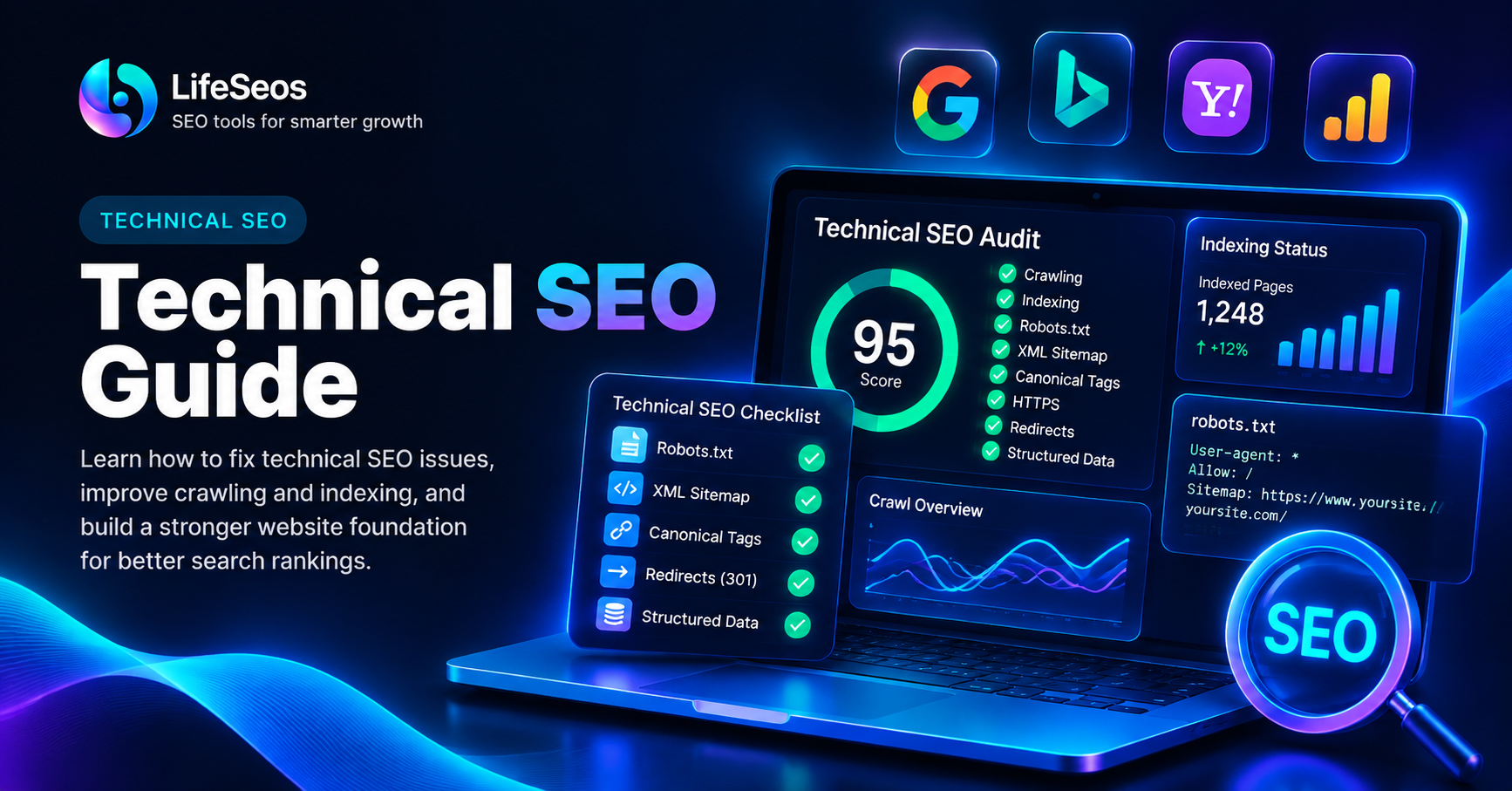
Technical SEO is the process of improving the technical foundation of a website so search engines can access, crawl, understand and index important pages efficiently.
It focuses on how the website works behind the content, including crawlability, indexing, URL structure, canonicalization, redirects, mobile usability, performance and website architecture.
Technical SEO does not replace useful content. A technically perfect website can still perform poorly if its pages do not satisfy user needs.
The goal is to remove technical barriers so high-quality content can be discovered and understood more easily.
- Crawling and indexing
- Robots.txt configuration
- XML sitemaps
- Canonical URLs
- Redirects and HTTP status codes
- Website architecture
- Internal linking
- Mobile usability
- HTTPS and security
- Structured data
- Website performance
Crawling and Indexing: The Foundation of Technical SEO
Search engines discover webpages using automated crawlers that follow links and process website content.
Crawling and indexing are related but different processes. Crawling is the discovery and retrieval of a page, while indexing involves processing that page for possible inclusion in search results.
A page can be crawlable without necessarily being indexed, and technical signals can influence how search engines process it.
Important pages should be accessible through internal links and should not be unintentionally blocked by technical configuration.
- Confirm important pages are crawlable
- Review indexing status
- Check robots directives
- Make sure important pages have internal links
- Investigate unexpected exclusions
- Avoid orphan pages
Review Your Robots.txt File
The robots.txt file provides crawling instructions to supported search engine bots.
It can be useful for controlling crawler access to sections that do not need to be crawled, but incorrect rules may prevent important content from being discovered.
The file is normally located at the root of the website, such as yourdomain.com/robots.txt.
Review robots.txt carefully and make sure public pages that should appear in search are not blocked accidentally.
- Check Disallow rules
- Avoid blocking important public pages
- Confirm the robots.txt file loads correctly
- Reference the XML sitemap when appropriate
- Review rules after major website changes
Use a Clean XML Sitemap
An XML sitemap provides search engines with a structured list of URLs that are important to your website.
A sitemap is especially useful for helping search engines discover pages on websites with many URLs or complex navigation.
The sitemap should contain canonical, accessible URLs that represent pages you actually want search engines to discover.
Avoid filling the sitemap with deleted pages, broken URLs, unnecessary redirects or duplicate versions of the same content.
- Include important canonical pages
- Use the correct HTTPS URLs
- Remove broken or deleted pages
- Avoid redirected URLs
- Keep the sitemap updated
- Submit the sitemap through search engine tools when appropriate
Understand Canonical URLs
Canonical tags help indicate the preferred version of a page when multiple URLs contain identical or very similar content.
Duplicate URL variations can appear because of parameters, filters, tracking values or different technical paths to the same content.
A canonical tag should normally point to the preferred version of the page and should not reference unrelated content.
Consistent canonicalization helps reduce ambiguity and keeps important URL signals focused on the preferred page.
- Use the preferred HTTPS URL
- Keep canonical URLs consistent
- Avoid canonicalizing to unrelated pages
- Review parameter-based duplicates
- Check self-referencing canonicals on important pages
- Make sure canonical targets are accessible
Check HTTP Status Codes and Redirects
HTTP status codes indicate how a server responds when a browser or crawler requests a URL.
A normal accessible page usually returns a successful response, while redirects and errors require different handling.
Redirects are useful when content permanently moves, but long redirect chains or unnecessary redirects can make crawling and navigation less efficient.
Broken pages and server errors should be investigated, especially when they affect important URLs or internal links.
- 200 — successful page response
- 301 or 308 — permanent redirect
- 404 — page not found
- 500 — server-side error
- Avoid unnecessary redirect chains
- Update internal links to final URLs where possible
Build a Clear Website Architecture
Website architecture describes how pages are organized and connected.
A clear structure helps visitors understand the website and helps search engines discover relationships between important pages.
Important content should not require many unnecessary clicks from the homepage or main category pages.
Logical grouping also makes it easier to create useful internal links between related topics, tools and guides.
- Use clear categories
- Keep navigation simple
- Create logical page relationships
- Avoid deeply buried important pages
- Use descriptive URLs
- Connect related content with internal links
Improve Internal Linking
Internal links connect pages within the same website and help both users and search engines discover related content.
Strong internal linking can make important pages easier to find and can show how different topics are connected.
Anchor text should describe the destination naturally rather than using generic phrases everywhere.
Review important pages that receive very few internal links because they may be difficult to discover.
- Link related articles and tools
- Use descriptive anchor text
- Avoid broken internal links
- Update links after URL changes
- Make important pages easy to reach
- Avoid creating orphan pages
Review Mobile Usability
Technical SEO should account for how the website works on mobile devices as well as desktop computers.
Pages should remain readable, navigable and interactive across different screen sizes.
Buttons should be usable, text should remain legible and important content should not require horizontal scrolling.
Mobile testing is particularly important because device performance and network conditions can vary significantly.
- Use responsive layouts
- Check text readability
- Test menus and buttons
- Avoid horizontal scrolling
- Review mobile loading behavior
- Test important tools on smaller screens
Use HTTPS Consistently
HTTPS protects data exchanged between the visitor and the website by using encrypted connections.
A website should use HTTPS consistently across important pages and resources.
Mixed configurations can create problems when some resources still load through insecure HTTP URLs.
Redirect old HTTP URLs to their HTTPS equivalents and make sure internal links, canonical tags and sitemap URLs use the preferred secure version.
- Use HTTPS across the website
- Redirect HTTP URLs to HTTPS
- Update internal links
- Use HTTPS canonical URLs
- Use HTTPS URLs in the sitemap
- Check for mixed-content problems
Review Structured Data
Structured data provides machine-readable information about certain types of content on a webpage.
It can help search engines understand entities and page features more clearly when the markup is relevant and implemented correctly.
Structured data should describe content that actually exists on the page. Adding unrelated or misleading markup does not improve the quality of the page.
Use the schema type that matches the real content and validate the markup after implementation.
- Choose relevant schema types
- Match markup to visible page content
- Avoid misleading structured data
- Validate syntax
- Update markup when page content changes
Manage Duplicate and Similar Content
Duplicate content can appear when the same information is accessible through several URLs or when multiple pages cover almost the same topic.
Not every duplicate URL is a serious problem, but unnecessary duplication can make the website harder to manage and create ambiguity around the preferred page.
Use canonical URLs, redirects or content consolidation when appropriate instead of allowing many unnecessary versions of the same page.
For similar articles, make sure each page serves a distinct user intent rather than publishing several pages that provide nearly identical information.
- Identify duplicate URL versions
- Review parameter-based URLs
- Use canonical tags where appropriate
- Redirect permanently replaced pages
- Merge highly overlapping content when useful
- Keep each important page focused on a clear purpose
Technical SEO and Website Performance
Website performance is an important part of technical quality because slow or unstable pages can create a poor user experience.
Review large images, unnecessary scripts, slow server responses and other resources that delay important content.
Performance should be evaluated together with usability and content quality rather than treated as a standalone SEO score.
For a detailed performance workflow, use a dedicated page speed audit instead of trying to solve every performance issue inside a general technical SEO review.
- Review loading performance
- Check mobile performance
- Optimize large resources
- Reduce unnecessary JavaScript
- Monitor layout stability
- Review server response time
A Practical Technical SEO Workflow
Technical SEO becomes easier to manage when checks are performed in a consistent order.
Start with problems that can prevent access or indexing, then move toward website structure, performance and smaller technical improvements.
After making changes, test the affected pages again and monitor whether the issue has been resolved.
- Step 1 — Check crawlability
- Step 2 — Review indexing status
- Step 3 — Check robots.txt
- Step 4 — Verify the XML sitemap
- Step 5 — Review canonical URLs
- Step 6 — Test HTTP status codes and redirects
- Step 7 — Review internal linking and website architecture
- Step 8 — Check mobile usability
- Step 9 — Review HTTPS and structured data
- Step 10 — Test performance and monitor changes
Technical SEO Final Checklist
A strong technical foundation helps search engines access important pages and helps users navigate the website reliably.
Technical SEO is not a one-time task. Website updates, new pages, redirects and configuration changes can introduce new issues over time.
Regular technical reviews make it easier to detect problems before they affect a large number of pages.
- Important pages are crawlable
- Indexing directives are correct
- Robots.txt is reviewed
- XML sitemap contains valid canonical URLs
- Canonical tags are consistent
- Important URLs return correct HTTP responses
- Redirect chains are minimized
- Internal links connect important pages
- Mobile usability is checked
- HTTPS is used consistently
- Structured data matches visible content
- Performance is monitored regularly
Put this guide into practice
Open the related LifeSeos tool and apply what you just learned to your own website.
SEO Analyzer