
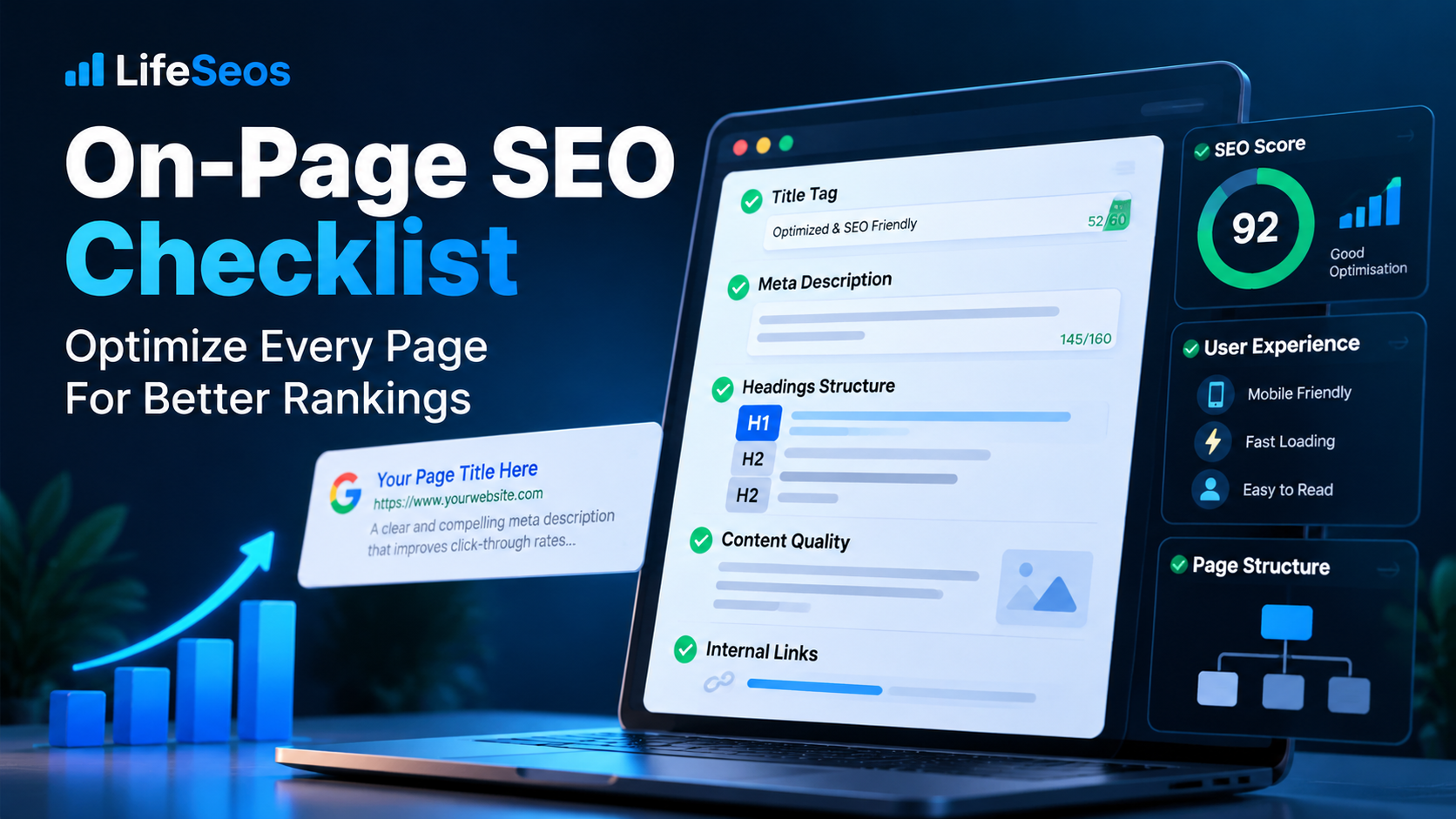
What Is On-Page SEO?
On-page SEO is the process of improving individual webpages so they are easier for users and search engines to understand.
It includes elements that website owners can directly control, such as page titles, headings, content quality, internal links, URLs, images and page structure.
The purpose of on-page SEO is not to add as many keywords as possible. The goal is to make the topic clear, satisfy search intent and create a useful page experience.
Strong on-page SEO works best when technical SEO is already healthy and the page can be crawled and indexed correctly.
- Page titles and descriptions
- Search intent
- Content quality
- Heading structure
- URL structure
- Internal links
- Images and alt text
- Page usability
- Structured data
- Content freshness
Start with Search Intent
Before changing titles, headings or keywords, identify what the user is trying to accomplish.
A page that targets the wrong search intent can remain weak even if every technical on-page element is optimized.
For example, a user searching free keyword density checker likely wants a tool, while someone searching what is keyword density is more likely looking for an explanation.
The page format, title, introduction and main content should all support the same user goal.
- Identify the main user goal
- Determine whether the query is informational or task-focused
- Match the page format to the intent
- Answer the main question early
- Avoid adding unrelated information
- Make the next action clear
Optimize Titles and Meta Descriptions
The page title helps communicate the main topic of the page and often appears as the clickable headline in search results.
A good title should describe the page accurately, distinguish it from other pages and use important terms naturally.
Meta descriptions can help users understand what the page offers before clicking, although search engines may sometimes generate a different snippet.
Titles and descriptions should reflect the actual page content rather than promise something the page does not provide.
- Create a unique title for each important page
- Describe the page accurately
- Use important terms naturally
- Avoid keyword repetition
- Write a useful meta description
- Match metadata with search intent
- Avoid misleading or exaggerated wording
Create Useful and Relevant Content
Content is the core of most on-page SEO work because it determines whether the page actually satisfies the visitor's need.
Useful content should explain the topic clearly, answer important questions and provide practical information where appropriate.
Longer content is not automatically better. A focused page that solves the user's problem can be more valuable than a long page filled with repetition.
Review whether each section contributes something useful instead of existing only to include keywords.
- Answer the main question clearly
- Provide enough supporting information
- Use examples when helpful
- Remove unnecessary repetition
- Update outdated information
- Keep the content focused
- Provide a useful next step
Optimize Headings and Page Structure
Headings help organize a page and make long content easier to scan.
The main heading should clearly describe the page topic, while supporting headings should divide the content into logical sections.
Heading structure should reflect the information hierarchy rather than being used simply as a place to add keywords.
Clear sections also help users quickly find the information they need.
- Use one clear primary page heading
- Use H2 headings for major sections
- Use H3 headings for relevant subsections
- Keep heading text descriptive
- Avoid unnecessary heading levels
- Maintain a logical content flow
Use Clear and Consistent URLs
URLs should be easy to understand and remain stable whenever possible.
A descriptive URL can help users understand the destination before visiting it and makes the website easier to manage.
Avoid changing established URLs without a clear reason because unnecessary changes can create redirects and broken links.
When a URL must change permanently, update internal links and use the appropriate redirect.
- Use readable words
- Keep URLs concise when practical
- Avoid unnecessary parameters
- Use lowercase consistently
- Avoid changing URLs without a reason
- Redirect permanently moved pages correctly
Use Keywords Naturally
Keywords help communicate the subject of a page, but their value comes from relevance rather than repetition.
The main topic may naturally appear in the title, heading, introduction and body content.
Related terminology can help explain the subject more completely without forcing the same exact phrase repeatedly.
There is no need to target a fixed keyword density percentage.
- Use the primary topic naturally
- Avoid keyword stuffing
- Use related terminology when relevant
- Keep sentences readable
- Do not force keywords into every heading
- Prioritize search intent over frequency
Improve Internal Linking
Internal links connect related pages and help users continue their journey through the website.
They also help search engines discover important pages and understand relationships between topics.
Internal links should be relevant to the context and use descriptive anchor text when possible.
Important pages should not be isolated or reachable only through a sitemap.
- Link to relevant supporting pages
- Use descriptive anchor text
- Avoid broken links
- Update redirected internal URLs
- Connect related articles and tools
- Make important pages easy to reach
Use External Links When They Add Value
External links can help support claims, provide additional context and direct readers to authoritative resources.
They should be added because they improve the usefulness of the page, not because a page needs a certain number of outbound links.
Review external links periodically because destination pages can move or disappear.
When referencing important facts, link to reliable primary or authoritative sources when practical.
- Link to relevant sources
- Prefer authoritative references
- Avoid unrelated outbound links
- Check for broken external links
- Use links that genuinely help the reader
Optimize Images for On-Page SEO
Images can improve understanding and make a page easier to use, but they should be optimized carefully.
Large image files can slow loading, while missing dimensions can contribute to layout movement.
Image alt text should describe the image when the description is useful for accessibility and context.
Do not use alt text as a place to repeat keywords that do not describe the image.
- Compress large images
- Use appropriate dimensions
- Use efficient image formats
- Add descriptive alt text when appropriate
- Avoid keyword-stuffed alt text
- Use meaningful filenames when practical
Improve Readability
A page should be easy to read and understand, especially on smaller screens.
Readable content uses clear language, manageable paragraphs and logical formatting.
Technical terminology can be appropriate when the audience expects it, but unfamiliar terms should be explained when necessary.
Lists, headings and short sections can make complex information easier to scan.
- Use clear sentences
- Break up long paragraphs
- Use lists when useful
- Explain unfamiliar terms
- Keep sections focused
- Review mobile readability
Improve Page Experience
On-page optimization should consider how the page feels to use, not only how it appears to search engines.
Visitors should be able to read the content, interact with buttons and navigate the page without unnecessary friction.
Performance, mobile usability and layout stability all contribute to the overall page experience.
A page that loads quickly but is difficult to understand or navigate is still not well optimized.
- Check mobile usability
- Review page speed
- Use clear navigation
- Keep buttons easy to use
- Avoid intrusive elements
- Maintain stable layouts
Use Structured Data When Appropriate
Structured data can provide machine-readable information about certain types of page content.
It should only be used when the schema type matches the visible content on the page.
Structured data does not replace good content and should not be added simply to make a page look more optimized.
Validate markup after implementation and update it whenever important page information changes.
- Choose a relevant schema type
- Match markup to visible content
- Avoid misleading structured data
- Validate the markup
- Keep structured data updated
Keep Important Content Updated
Some pages remain accurate for long periods, while others need regular updates.
Review content when products change, software evolves, policies are updated or recommendations become outdated.
Updating a page should involve meaningful improvements rather than changing the date alone.
Check examples, screenshots, links and technical instructions when reviewing older content.
- Review outdated information
- Update old examples
- Check screenshots
- Verify external links
- Remove obsolete advice
- Update the date after meaningful changes
Review the Entire Page Before Publishing
Individual on-page elements should work together rather than being optimized separately.
A strong title cannot compensate for weak content, and useful content can still be difficult to discover if the page structure is unclear.
Before publishing, review the page as a complete experience and confirm that each element supports the same topic and user intent.
This final review is also useful after major content updates.
- Check the page title
- Review the main heading
- Confirm search intent
- Review content quality
- Check internal links
- Review images
- Check mobile usability
- Confirm the page has a clear next step
A Practical On-Page SEO Workflow
A structured workflow makes on-page optimization easier and reduces unnecessary changes.
Start with the purpose of the page, then review content and supporting elements in a logical order.
- Step 1 — Identify the page's search intent
- Step 2 — Review the title and main heading
- Step 3 — Check content quality and completeness
- Step 4 — Review headings and structure
- Step 5 — Check keyword usage
- Step 6 — Review the URL
- Step 7 — Add useful internal links
- Step 8 — Optimize images
- Step 9 — Review mobile usability and performance
- Step 10 — Test the complete page before publishing
Final On-Page SEO Checklist
Successful on-page SEO combines clear communication, useful content and a page structure that supports both users and search engines.
The goal is not to satisfy a checklist mechanically. The goal is to create a page that clearly serves its purpose.
Review important pages periodically as content, search behavior and website structure change.
- Search intent is clear
- The title accurately describes the page
- The meta description is useful
- The main heading matches the topic
- Content is useful and complete
- Heading structure is logical
- Keywords are used naturally
- The URL is clear
- Internal links are relevant
- Images are optimized
- Alt text is descriptive where appropriate
- The page works well on mobile
- Performance is acceptable
- Structured data matches visible content
- Outdated information has been reviewed
Put this guide into practice
Open the related LifeSeos tool and apply what you just learned to your own website.
SEO Analyzer