
← Back to Blog
Technical SEO

HTTP Status Codes for SEO: Complete Guide

Learn how HTTP status codes affect SEO, crawling and indexing, and understand how to fix common website response errors.

Written by LifeSeos
Updated 2026-10-07
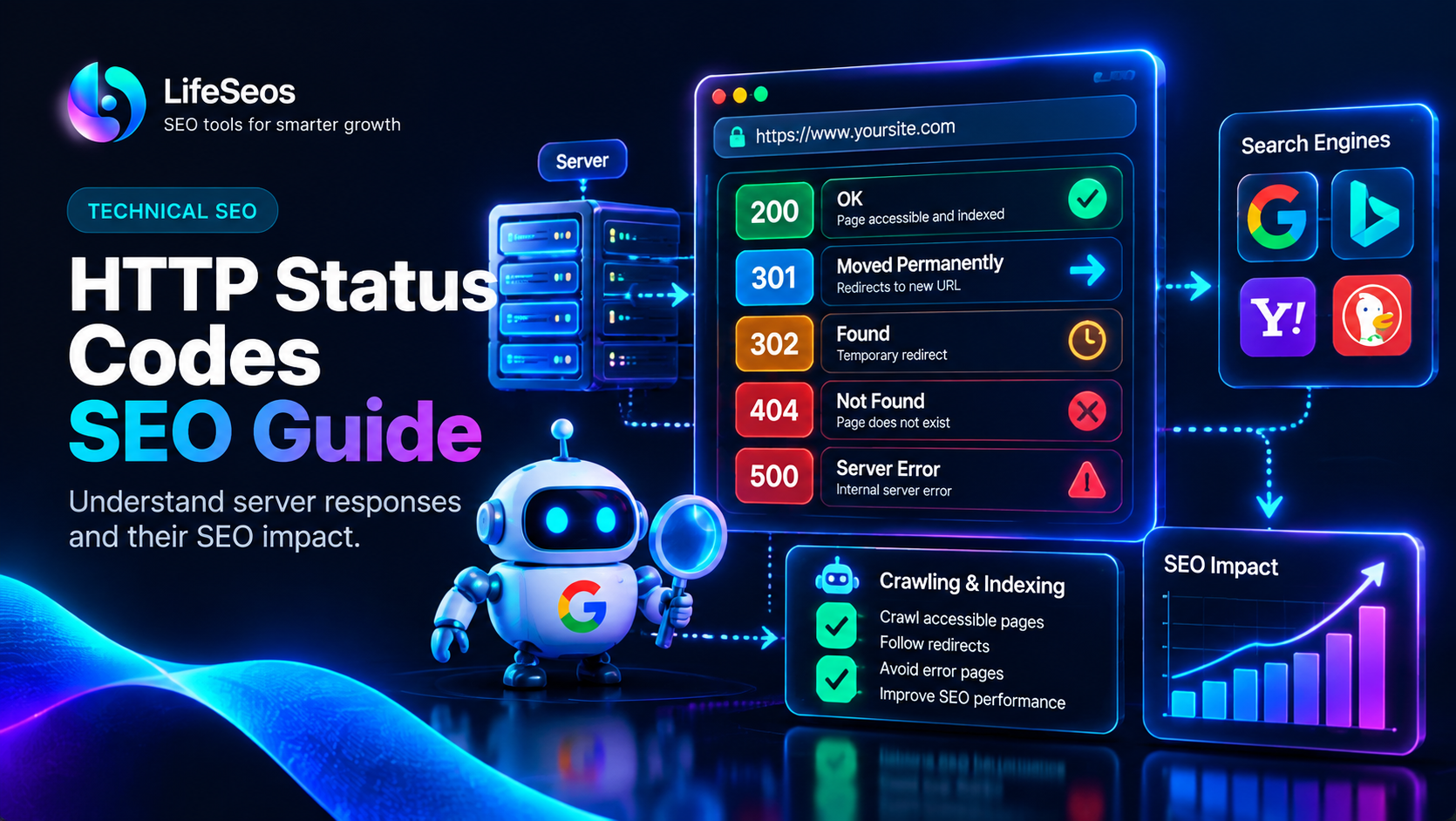
HTTP status codes SEO guide for website optimization

Understanding HTTP Status Codes

HTTP status codes are server responses that communicate the result of a browser or search engine request.

They help search engines understand whether a webpage is available, redirected, removed or experiencing technical problems.

Understanding HTTP status codes is an important part of technical SEO because incorrect responses can affect crawling and indexing.

Common Successful HTTP Status Codes

Successful HTTP responses indicate that a request has been completed correctly and the requested content is available.

The most important success code for SEO is the 200 status code.

  • ✓ 200 OK: Page loads successfully
  • ✓ 201 Created: New resource created
  • ✓ 204 No Content: Request completed without content

Redirect Status Codes and SEO

Redirects tell browsers and search engines that a page location has changed.

Using the correct redirect type helps preserve SEO value and prevents crawling problems.

  • ✓ 301 Permanent Redirect
  • ✓ 302 Temporary Redirect
  • ✓ 307 Temporary Redirect
  • ✓ 308 Permanent Redirect

Common HTTP Errors That Affect SEO

Error status codes can prevent users and search engines from accessing important content.

Regular monitoring helps website owners identify and fix technical problems quickly.

  • ✓ 404 Not Found: Page does not exist
  • ✓ 403 Forbidden: Access denied
  • ✓ 500 Server Error: Website server problem
  • ✓ 503 Service Unavailable: Temporary server issue

HTTP Status Code SEO Best Practices

Maintaining correct HTTP responses helps search engines crawl websites efficiently and improves user experience.

Technical monitoring should be part of every regular SEO audit.

  • ✓ Fix broken links
  • ✓ Remove unnecessary redirects
  • ✓ Monitor server errors
  • ✓ Check important URLs regularly
Practical tip:

A healthy website should return the correct HTTP status code for every important page. Incorrect responses can waste crawl resources and affect search visibility.

Final HTTP Status Code Checklist

Understanding HTTP status codes allows website owners to maintain a technically healthy website.

Combining status monitoring with other technical SEO practices creates a stronger foundation for organic growth.

  • ✓ Check important pages
  • ✓ Fix broken URLs
  • ✓ Monitor server responses
  • ✓ Review redirects regularly

Try HTTP Status Checker

Apply this guide directly using LifeSeos tools.

Open Tool →