
The distinction that resolves most indexing mysteries
Three different things happen between publishing a page and seeing it in search results, and confusing them is the root cause of most indexing problems. Crawling is a bot fetching the URL. Indexing is the search engine storing and analyzing the content it fetched. Serving is the indexed page actually appearing for a query. A page can be crawlable but non-indexable, indexed but never served — and each failure has a different fix.
The three instruments map onto the three stages. robots.txt controls crawling: it asks bots not to fetch matching paths. The noindex directive (a robots meta tag or an X-Robots-Tag HTTP header) controls indexing: the page can be crawled, but must not be stored. The XML sitemap assists discovery: it tells crawlers which URLs exist and matter, without forcing any of them to be indexed.
The classic trap follows directly: if you block a page in robots.txt to keep it out of search results, Google can never crawl it — which means it can never see a noindex tag on that page. The URL can still appear in results as a bare link, indexed from external references alone. To reliably remove a page, let it be crawled and mark it noindex, or return a real 404/410 status.
Reading a real robots.txt
Here is a condensed excerpt of the live robots.txt served at lifeseos.com/robots.txt while this article was written. The structure is a set of rule groups: each group starts with one or more User-agent lines, followed by Allow/Disallow rules that apply to those agents, and the file ends with a Sitemap reference.
Two details are worth copying. First, the rules target path prefixes for every language version of the private areas (/admin, /ar/admin, /fr/admin, /zh/admin) — a localized site must repeat its exclusions per locale or the translated URLs remain crawlable. Second, the API routes are disallowed: tool endpoints burn crawl budget and should never appear in search results anyway.
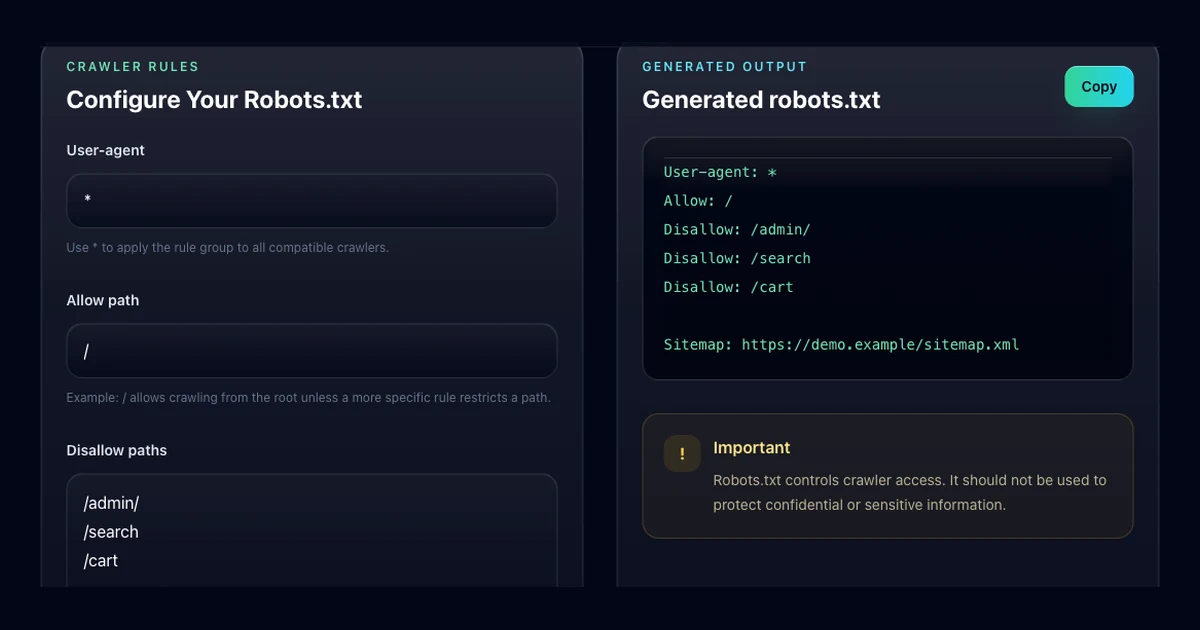
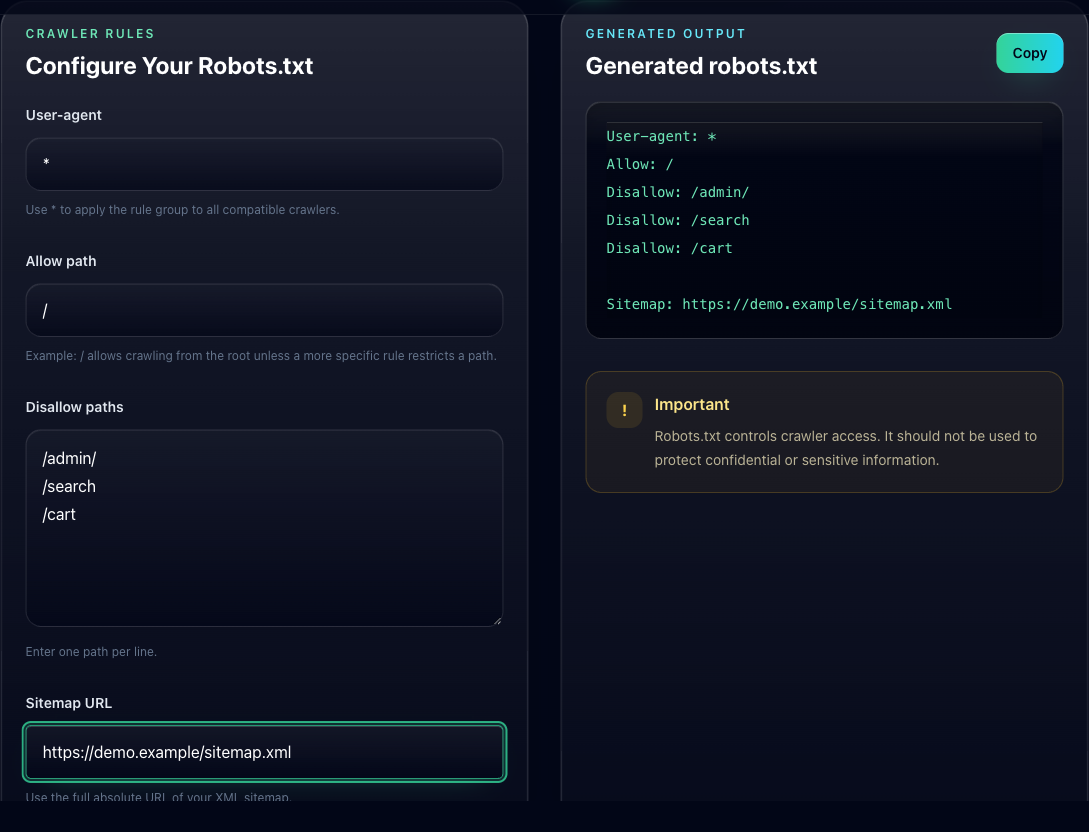
You can assemble a file like this visually with the Robots.txt Generator — crawler, allowed paths, disallowed paths and sitemap reference — and copy the output verbatim. One warning the tool repeats for a reason: robots.txt is a public file and a request, not access control. Never rely on it to protect confidential content; use authentication for that.
curl -s https://www.lifeseos.com/robots.txt (excerpt)
User-Agent: *
Allow: /
Disallow: /admin
Disallow: /admin/
Disallow: /dashboard
Disallow: /auth
Disallow: /api
Disallow: /ar/admin
Disallow: /fr/admin
Disallow: /zh/admin
# ... same pattern for every private section per locale

Sitemap: https://www.lifeseos.com/sitemap.xmlReal case: retiring URLs with 301 vs 410
This site migrated from an older structure earlier this year, leaving dozens of legacy URLs that other sites and Google's index still referenced. The migration forced a decision for every old URL, and the decision rule is the useful part: if an equivalent page exists, redirect permanently; if the old tool no longer exists and nothing equivalent replaced it, answer 410 Gone and move on.
Two live examples you can verify right now. The old blog slug /blog/http-status-codes-seo has an equivalent guide, so it answers 308 Permanent Redirect to the current URL — link equity and clicks follow the redirect. The retired ping tool at /fr/online-ping-website-tool has no equivalent, so it answers 410 Gone with an X-Robots-Tag: noindex header. The 410 tells crawlers the removal is deliberate and permanent, which drops the URL from the index faster than a 404 that might be a temporary mistake.
What we deliberately avoided: redirecting retired tools to the homepage or to a vaguely related tool. A redirect that does not preserve the visitor's intent is treated by Google as a soft 404 — it provides no value, wastes the redirect and still gets dropped from the index.
Permanent redirect where an equivalent exists
$ curl -sS -o /dev/null -w "%{http_code} -> %{redirect_url}\n" \
    https://www.lifeseos.com/blog/http-status-codes-seo
308 -> https://www.lifeseos.com/blog/http-status-codes-seo-guide
Gone, and marked noindex, where nothing equivalent exists
$ curl -sSI https://www.lifeseos.com/fr/online-ping-website-tool
HTTP/2 410
content-type: text/html; charset=utf-8
x-robots-tag: noindexWhat a working sitemap actually contains
The sitemap at lifeseos.com/sitemap.xml lists 152 URLs at the time of writing: every public page in each of the four languages, with hreflang alternates declared inline, so a crawler reading one entry learns the English, Arabic, French and Chinese versions at once. Blog guides are marked with monthly change frequency; high-traffic tools with weekly.
A sitemap is a discovery aid, not an indexing command. Google treats lastmod dates and priorities as weak hints and will happily index URLs absent from the sitemap if it finds links to them. The failure modes that matter in practice are mechanical: the sitemap returning a non-200 status, listing URLs that redirect or 404 (which teaches crawlers to distrust it), or being absent from robots.txt so nobody discovers it.
You can generate a standards-compliant sitemap with the XML Sitemap Generator, then verify the deployed file with two commands: fetch the sitemap URL and confirm a 200 status, and fetch one URL from inside it to confirm the listed URLs are actually live.
Sitemap entry with language alternates (excerpt)
<url>
  <loc>https://www.lifeseos.com/</loc>
  <xhtml:link rel="alternate" hreflang="en" href="https://www.lifeseos.com/"/>
  <xhtml:link rel="alternate" hreflang="ar" href="https://www.lifeseos.com/ar"/>
  <xhtml:link rel="alternate" hreflang="fr" href="https://www.lifeseos.com/fr"/>
  <xhtml:link rel="alternate" hreflang="zh-Hans" href="https://www.lifeseos.com/zh"/>
  <xhtml:link rel="alternate" hreflang="x-default" href="https://www.lifeseos.com/"/>
</url>Symptom → check → fix
Most indexing complaints reduce to a handful of verifiable situations. Work the symptom down this list and test each hypothesis with curl before changing anything — the check takes seconds and prevents the classic mistake of fixing the wrong layer.
- "Page not indexed at all" → confirm it returns 200 and is not blocked in robots.txt, then look for a noindex meta tag or X-Robots-Tag header.
- "Indexed as a bare URL with no description" → the page is probably blocked by robots.txt, so Google cannot crawl the content; unblock it and add a real meta description instead.
- "Old URL still in results after a redesign" → check its status code: redirect (301/308) if an equivalent exists, 410 with noindex if the content is deliberately retired.
- "Two versions of the page compete" → pick a canonical host and URL, redirect the duplicates permanently, and add a self-referencing canonical link.
- "Sitemap ignored" → verify the sitemap itself returns 200, is referenced in robots.txt, and lists only live, canonical URLs.
- "New page invisible for weeks" → check it is linked from at least one indexed page; sitemaps assist discovery but internal links drive it.
Conclusions and further reading
Crawling, indexing and serving are separate stages with separate controls. Keep robots.txt for crawl management only, retire URLs with honest status codes instead of misleading redirects, and treat the sitemap as a discovery aid whose URLs must all be live. Every claim in this article was verified against the live configuration of this site on 28 November 2026, and every command shown can be re-run as-is.
Primary sources: the Robots Exclusion Protocol specification (RFC 9309), Google's robots.txt documentation (developers.google.com/search/docs/crawling-indexing/robots/intro), Google's guide to removal and noindex (developers.google.com/search/docs/crawling-indexing/block-indexing) and the sitemaps.org protocol. For the broader context of a full technical review, see our complete SEO audit guide and the HTTP status codes guide.
Put this guide into practice
Open the related LifeSeos tool and apply what you just learned to your own website.
Robots.txt Generator